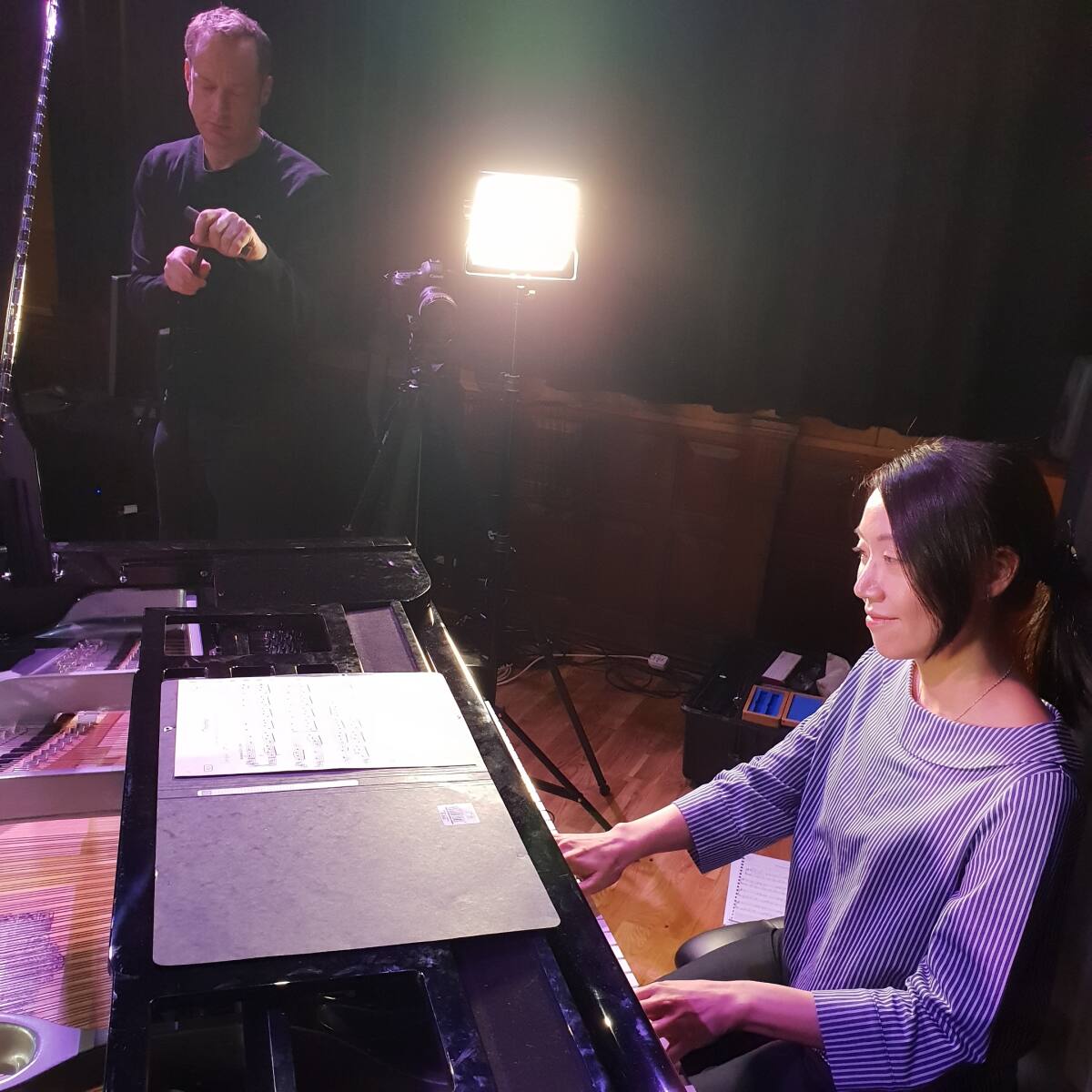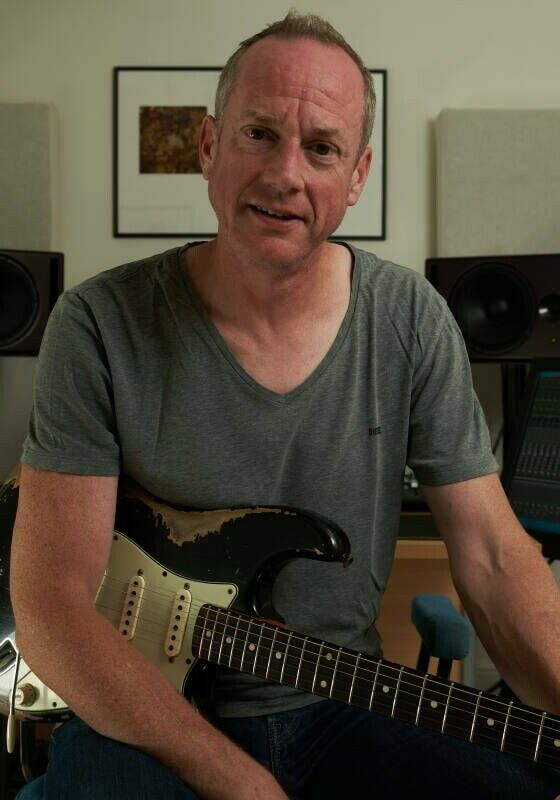

With 20 years’ experience in the recording industry, Mark Fawcett is a sound and recording engineer who has established himself as one of the most in-demand classical music specialists in the UK. He has worked with symphony orchestras and world-renowned musicians, including Nicholas Daniel (oboist and conductor), Mike Cox (lead flautist of the BBC Symphony Orchestra), Julius Drake (internationally acclaimed pianist), and Tony Britten, composer of the beloved Champions League theme music.
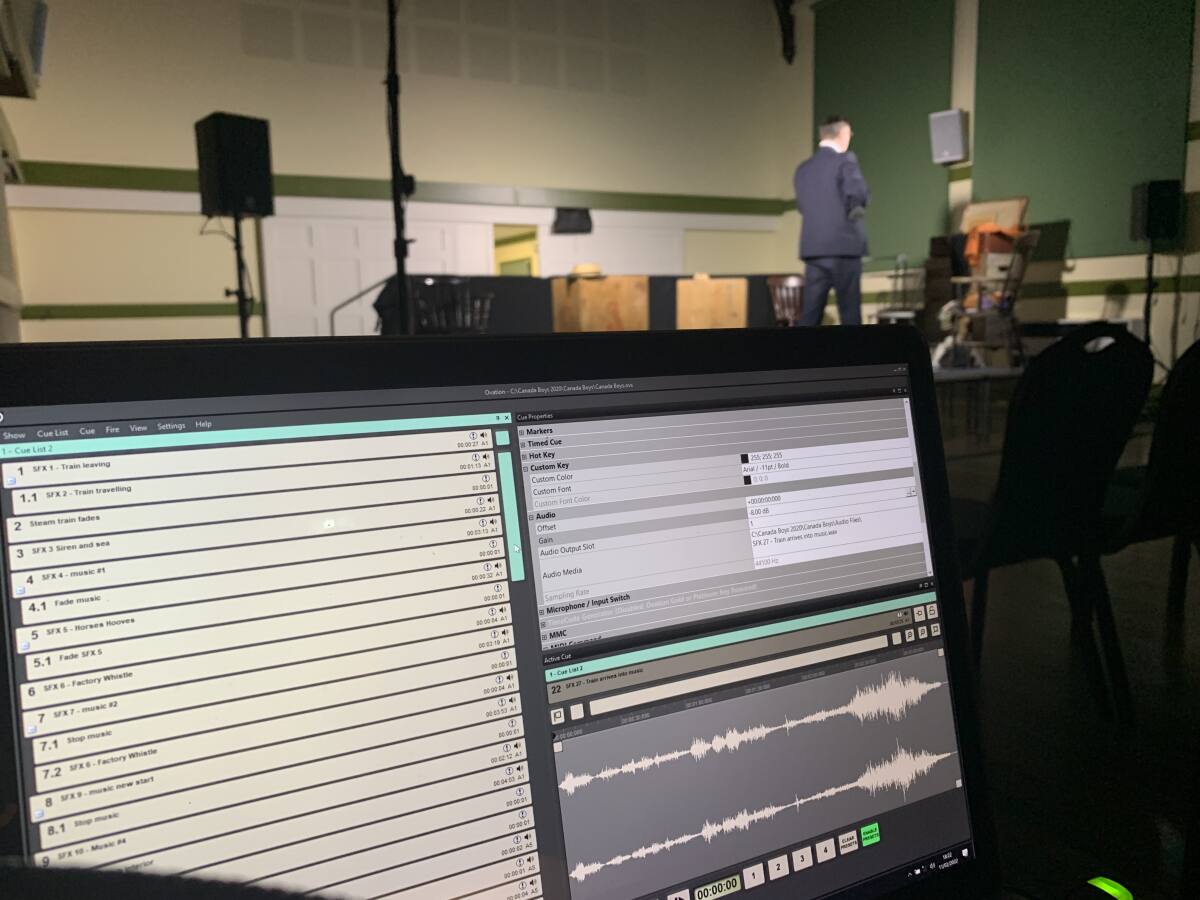
He also somehow finds time to play in a Neil Young tribute band that he started, and has produced and released three albums of his own solo material. Fawcett talks to Headliner about his career so far, how he became the go-to man for classical recording, and explains how Merging Technologies' Ovation is essential to his theatre production work, shares his first impressions of Ovation 11, and why he always chooses Ovation over other audio sequencer solutions.
Hi Mark, how are you doing today?
I’m well, thank you. This is a busy time of year for those of us in the music industry, which is always a good feeling when running your own business!
Could you tell us a bit about becoming interested in music when you were younger, and when you began noticing a passion for the technical side of the industry?
I first discovered the Beatles in the early ‘80s, around the age of nine. This inspired me to learn the guitar, and I was very fortunate to discover a mentor who introduced me to the music of Larry Carlton and Mike Stern. Looking back, I reckon this was pretty cool for someone that young! I started writing songs to express the angst of my tender teenage heart. I think it’s fair to say that I became obsessed with guitars, amps and songwriters - reading about the gear and listening to everything I possibly could.
During my mid-teens, I discovered Hi-Fi and wanted to bring audiophile sensibilities to live performances and recordings, always wanting the very best that I could have. I observed to myself that this was a kind of vanity, but carried on anyway, an attitude bringing pain and satisfaction in equal measure.
On that note, how does a Durham University physics graduate end up as a recording engineer? There must be some through lines between the two things…
Oh, there is definite commonality between the two. Studying science teaches a method for learning and problem solving, something so important in the audio industry. And it instils a belief that you can learn. If one person can understand something, then so can we all. We need not be defeated by the amazing and complex advances in the industry. It is simply a question of humbling yourself and following the logic of new technology rather than imposing your own logic, which is naturally based on previous experience and older methodology that will hamper your ability to ‘get with the program’.